Example
A board pack example, page by page
Ashbourne Industries Ltd isn’t a real company, but its board pack is: 25 pages, 8 papers and 9 bookmarks, built with this tool from eight ordinary PDFs. No hand-tweaking.
The meeting it was built for
The cover and the footer on every page come from six fields. Three of them are optional.
| Organisation | Ashbourne Industries Ltd |
| Meeting | Board of Directors Meeting |
| Date | 30 September 2026 |
| Time and place | 2.00pm · Boardroom, Ashbourne House, London |
| Confidentiality | Confidential |
The files that went in
Here are the eight documents, named exactly as they arrived (which is to say, a bit of a mess). The titles in the third column were worked out from the filenames. Leading digits become the agenda number, clutter like FINAL and v2 is dropped, underscores and hyphens become spaces, and the rest is title-cased, keeping capitals where they belong (CEO, Q3, P&L, AGM). Nobody retyped anything, and you can edit every title in the builder.
| The file that arrived | Item | Became | Pages |
|---|---|---|---|
| minutes-of-previous-meeting.pdf | 1 | Minutes of Previous Meeting | 2 |
| CEO_Report_FINAL.pdf | 2 | CEO Report | 2 |
| 03_Q3-financial-report_FINAL.pdf | 3 | Q3 Financial Report | 4 |
| Sales update v2.pdf | 4 | Sales Update | 2 |
| hiring-plan.pdf | 5 | Hiring Plan | 1 |
| Investment_Proposal_FINAL.pdf | 6 | Investment Proposal | 2 |
| risk-register.pdf | 7 | Risk Register | 1 |
| any-other-business.pdf | 8 | Any Other Business | 1 |
The agenda numbers are the only thing a person typed. Type whatever you like: 3.1 works, so does A, and so does leaving it blank.
What came out
6 of the 25 pages, rendered straight from the finished file. These are real screenshots, not mock-ups.
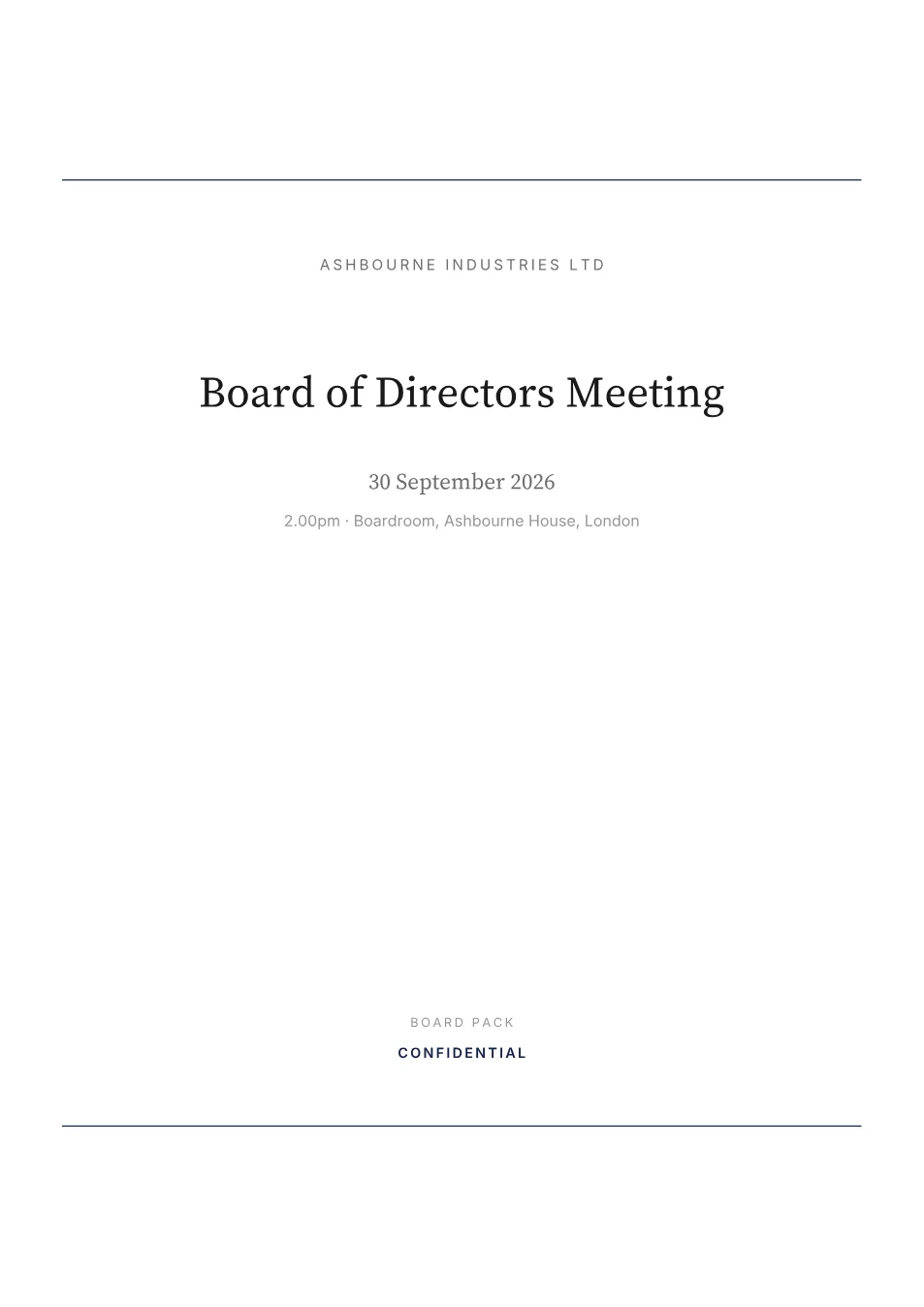
Page 1
The cover
Organisation, meeting, date, and a confidentiality label if you set one. Two navy rules and plenty of white space.
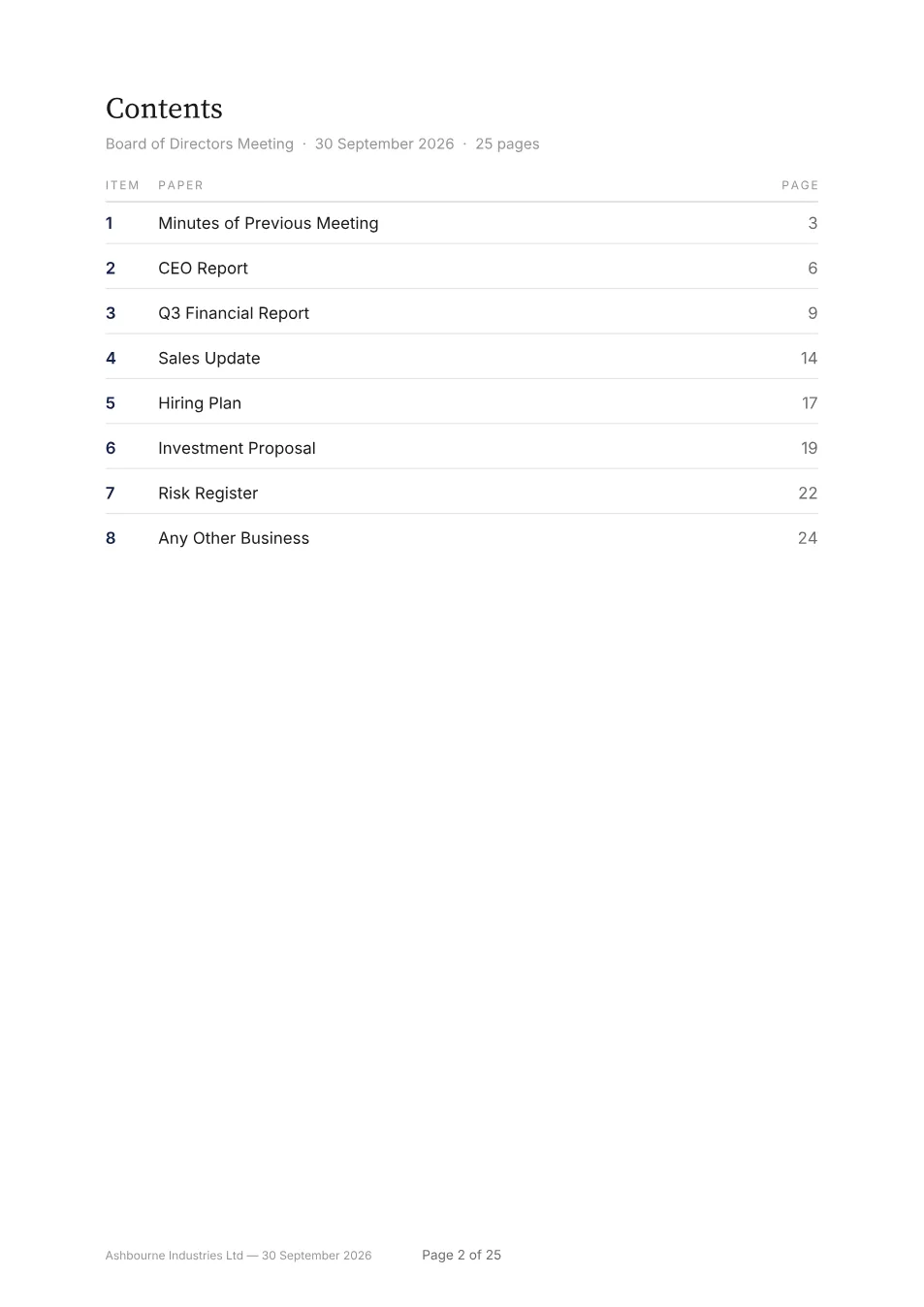
Page 2
The contents page
Agenda number, paper, and the page it starts on in the finished pack. Click any row to jump straight there.
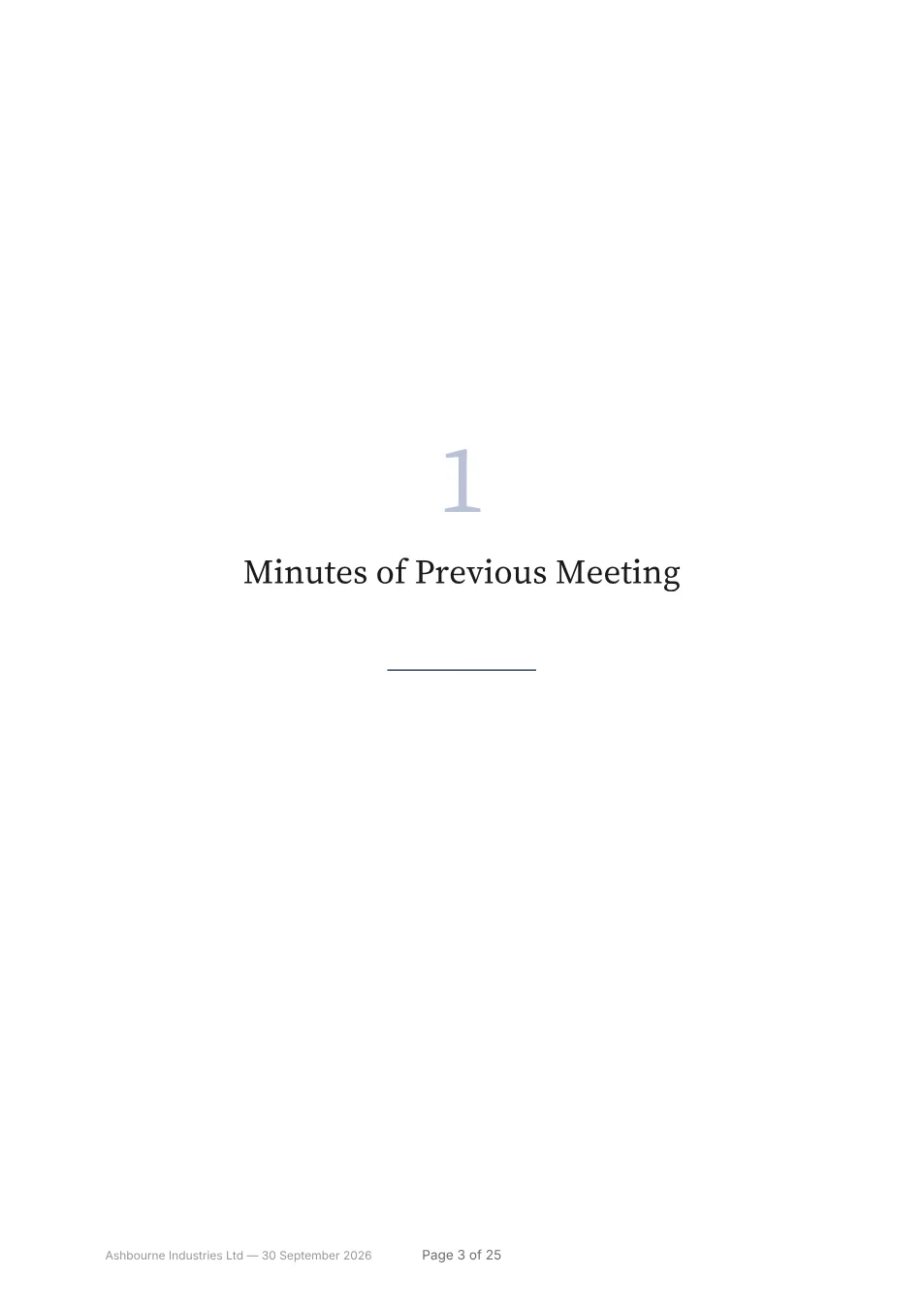
Page 3
A section divider
A number, a title and a rule. Dividers are optional. When they’re on, the contents page and bookmarks point here.
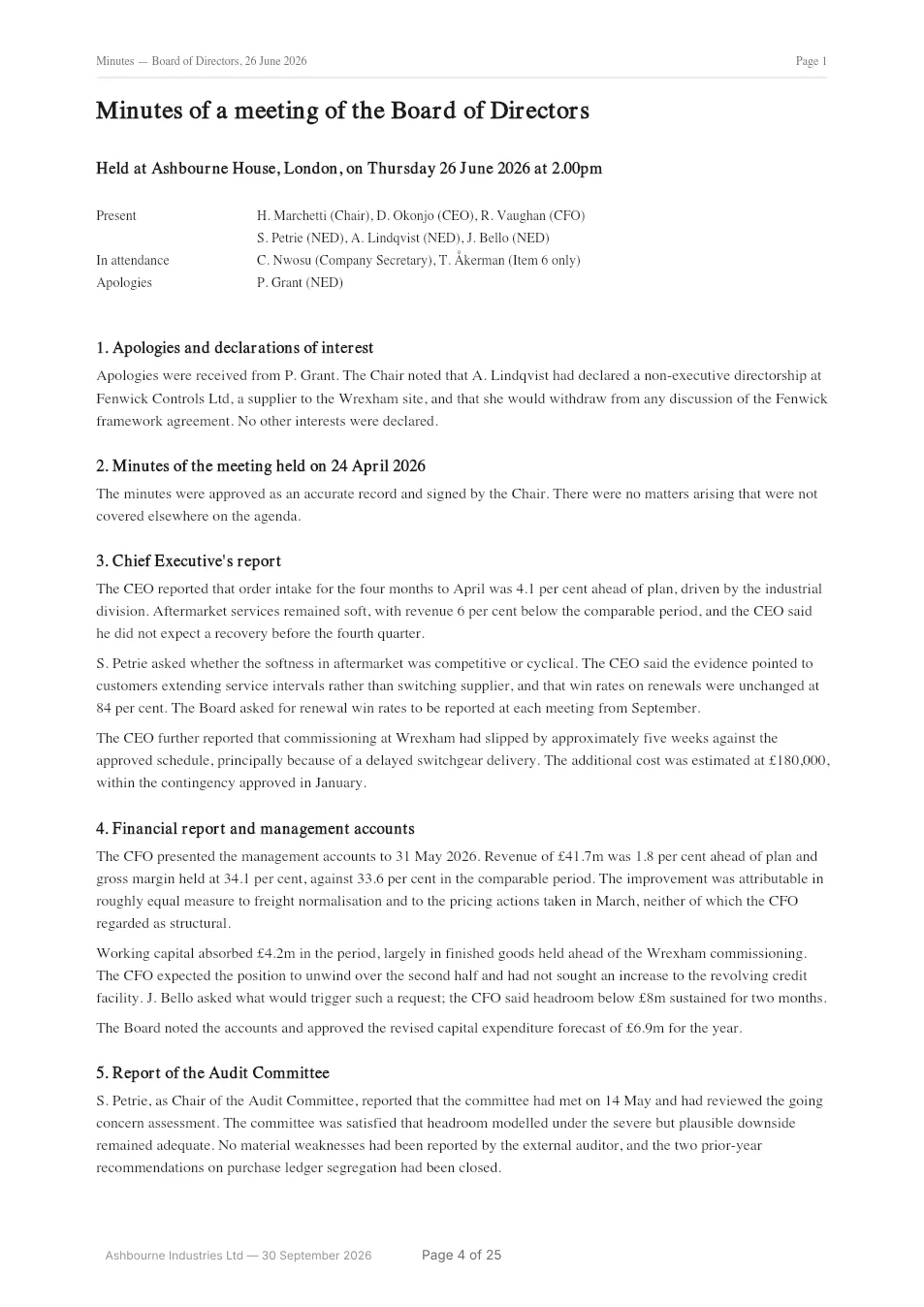
Page 4
Your document, as it arrived
Your original page at its original size, copied as it is. Text stays selectable and links still work. We add the footer and page number in the bottom margin.
Page 12
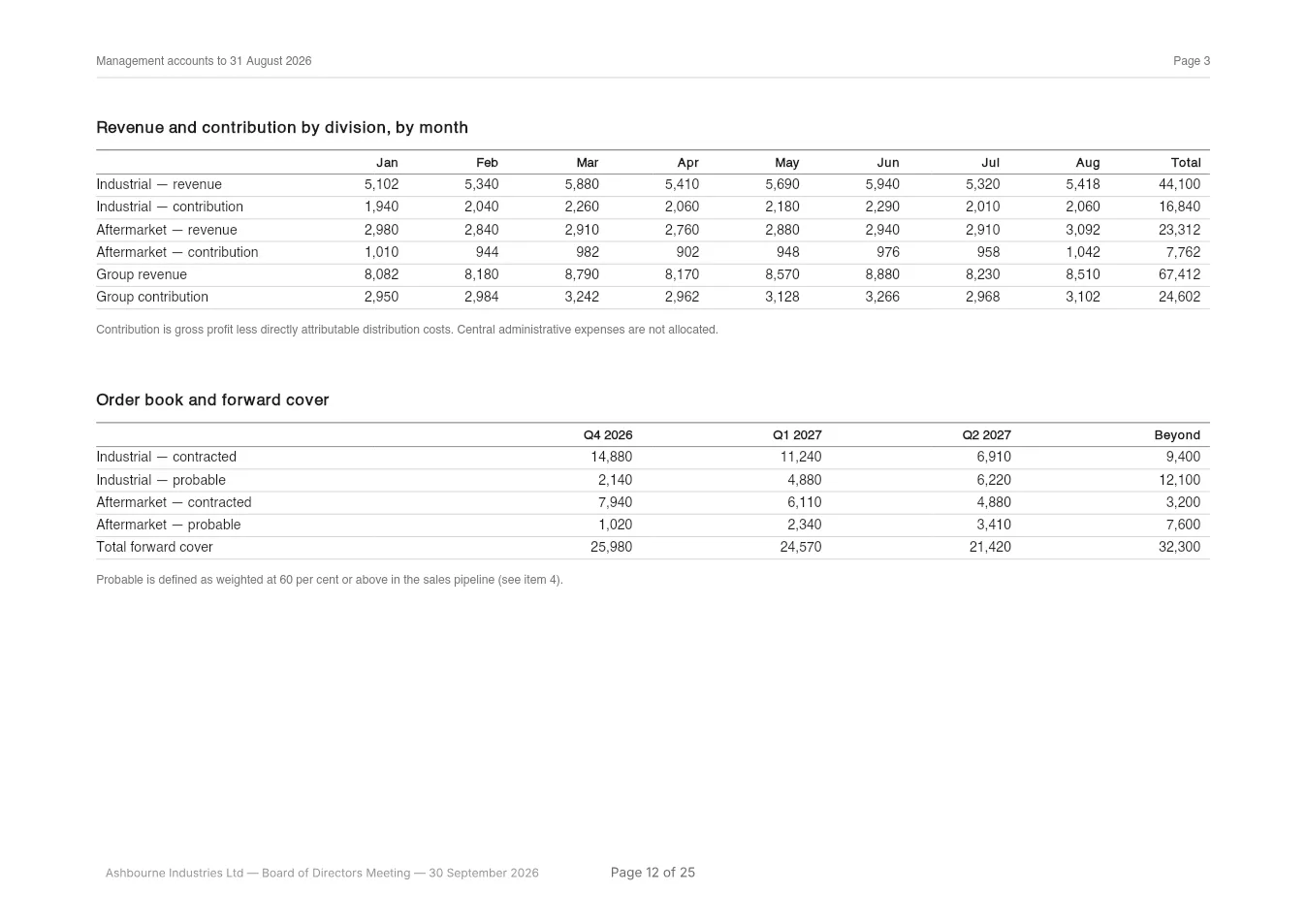
A landscape page
Landscape pages stay landscape. The page number goes where you’d read it, at the foot of the page as you turn it.
Page 25
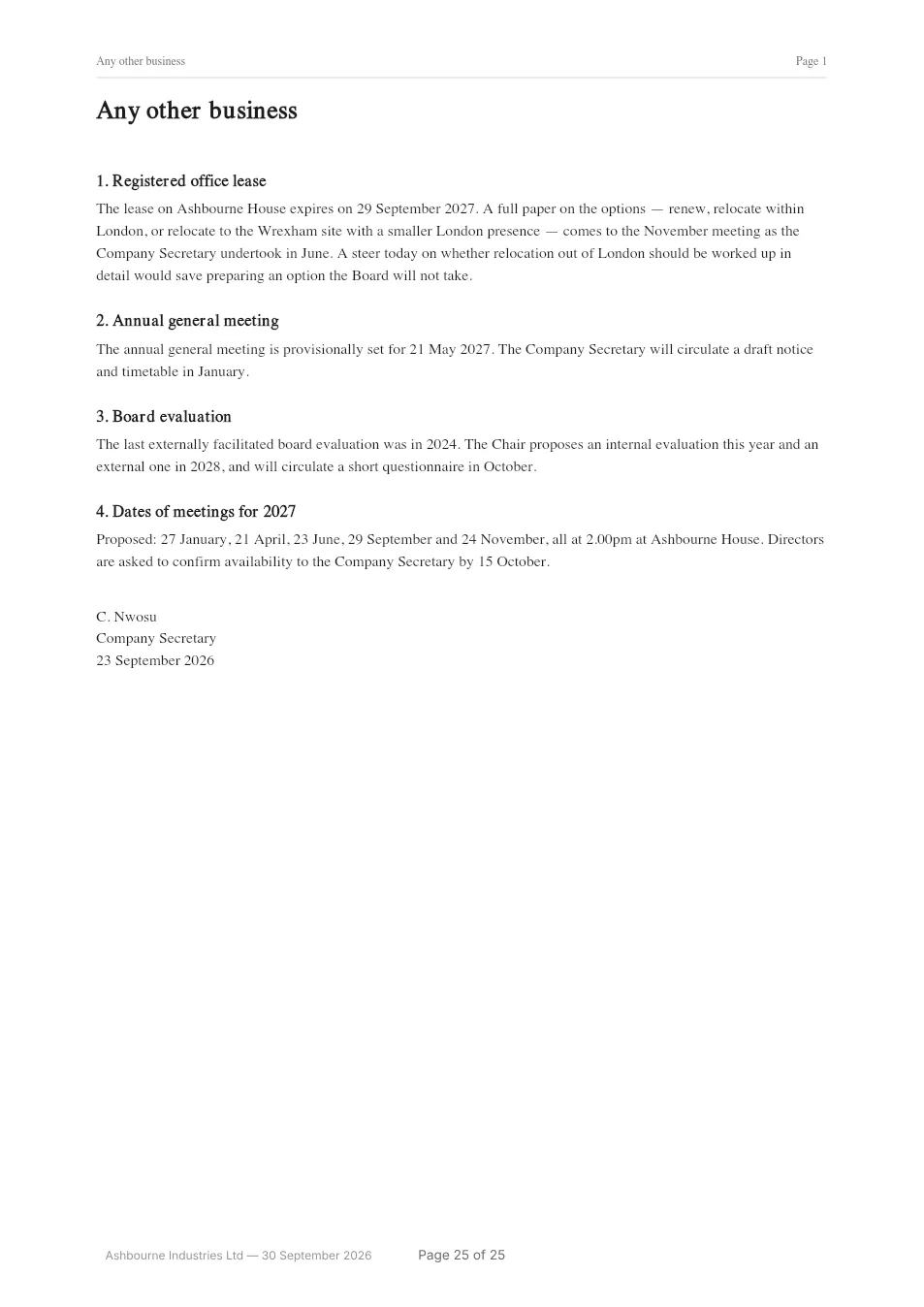
The last page
Numbering runs from the cover right through to here, so “page 17” in the minutes can only mean one page.
The bookmarks
Every paper gets a bookmark, added for you. On a tablet, that’s what makes a 25-page pack easy to find your way around. Open the example in Acrobat, Preview, Chrome or the Files app on an iPad and the bookmarks panel looks like this.
Each entry is a proper PDF bookmark, so it works even in viewers that ignore links. The rows on the contents page are links too, pointing at the same pages.
- Contentsp.2
- 1 Minutes of Previous Meetingp.3
- 2 CEO Reportp.6
- 3 Q3 Financial Reportp.9
- 4 Sales Updatep.14
- 5 Hiring Planp.17
- 6 Investment Proposalp.19
- 7 Risk Registerp.22
- 8 Any Other Businessp.24
What it doesn’t do
- It doesn’t re-render your documents. Pages go in at their original size and orientation, with text still selectable and links still working. Nothing is re-compressed or re-flowed. The only thing we add to your pages is the footer and page number in the bottom margin. We check that margin for text first and print a little lower if we find any. The check only sees text, though, not scans, charts, images or signatures, so look through the preview. If your papers use the bottom edge, pick the option that adds a strip about 1 cm tall below each page. It covers nothing and makes those pages that much taller.
- It doesn’t lock the file. The confidentiality label is printed on the cover and in the footer as a notice to readers. It doesn’t encrypt the PDF, add a password or control who can open it.
- It doesn’t restyle your papers. The ones in this example came from different tools and look like it. Real board packs are like that, and making them match would mean rebuilding somebody’s finance report, badly.
- It doesn’t carry over bookmarks from inside your documents. One bookmark per paper keeps the pack easy to navigate. Ten nested ones per paper would bury it.
- It doesn’t keep interactive features working. Form fields keep whatever they show but can’t be filled in any more. Digital signatures stop being valid, because any merge changes the bytes that were signed. And the pack isn’t a tagged PDF for screen readers, even if your papers were. Send the originals to anyone who relies on that.
- It doesn’t summarise or analyse anything. There’s no AI anywhere in this product, which is a big part of why your papers can stay on your device.
The free template, too
Doing this one by hand? There’s a 4-page template with a cover to fill in, an agenda and contents sheet, the usual section order with a note on what each part is for, and a checklist for before you send it. It’s a PDF to print and fill in, not an editable Word document.
Now make one with your own papers
Drop in your PDFs, put them in agenda order and preview the whole pack for free. You only pay when you want it without the watermark.
- Free preview
- No account
- Nothing uploaded